Feed Mixer Scale
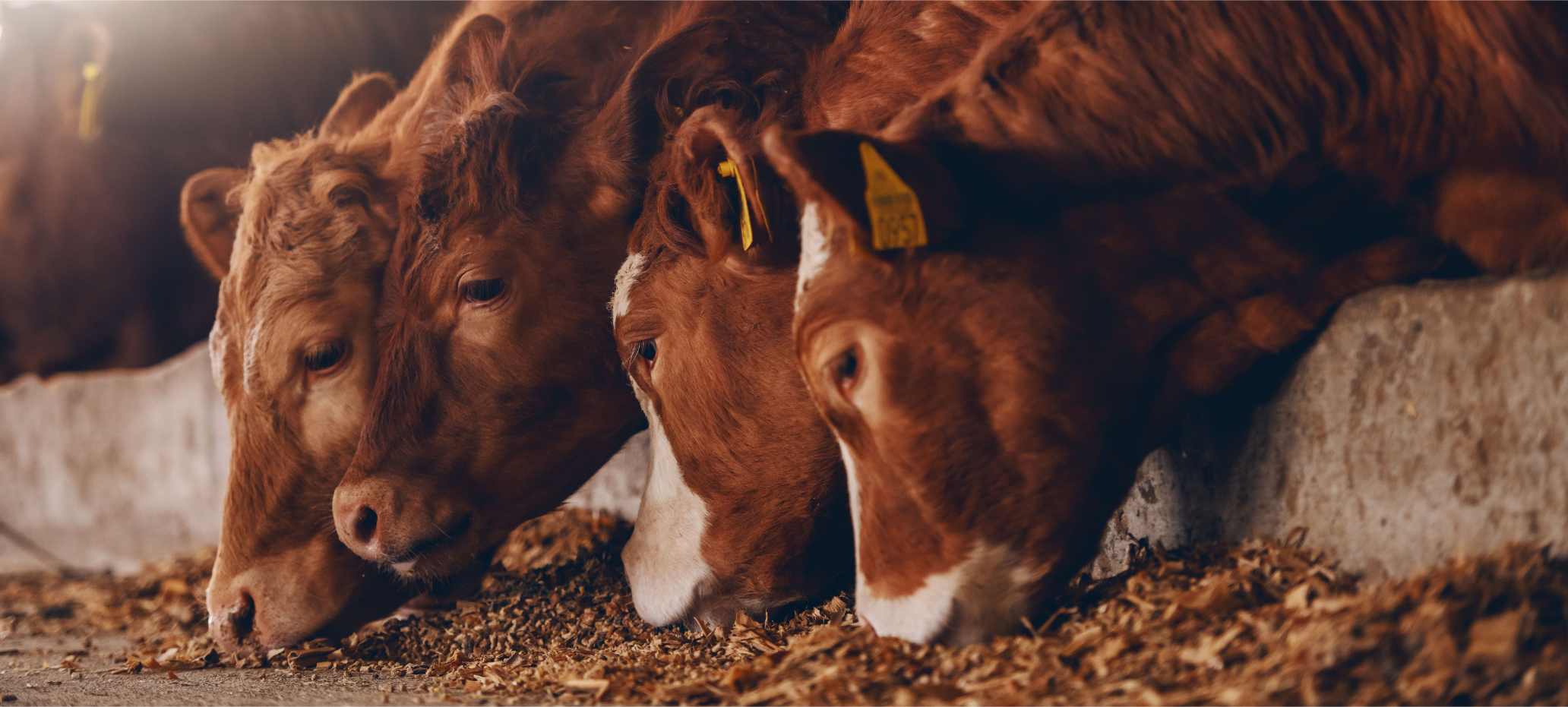
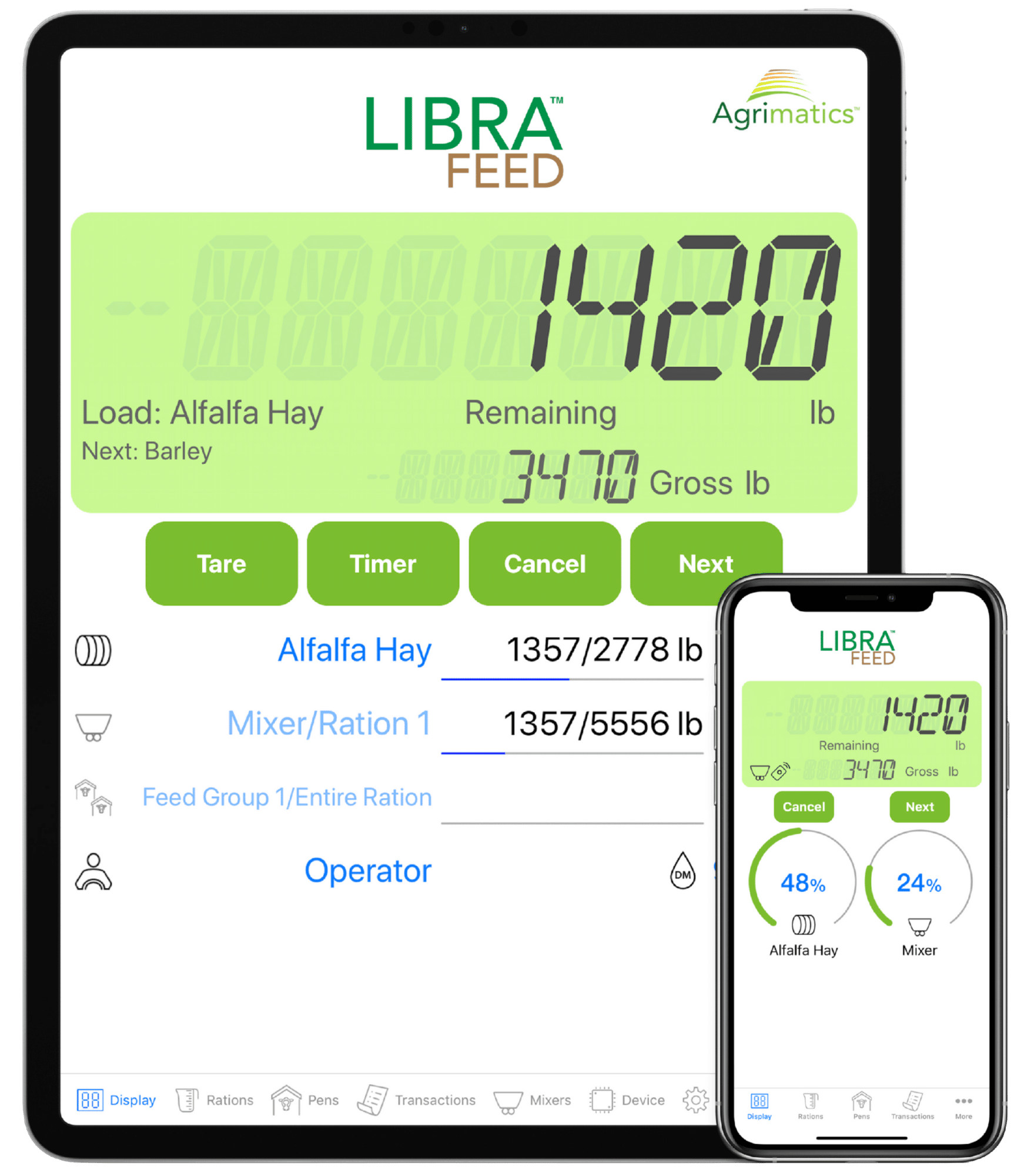
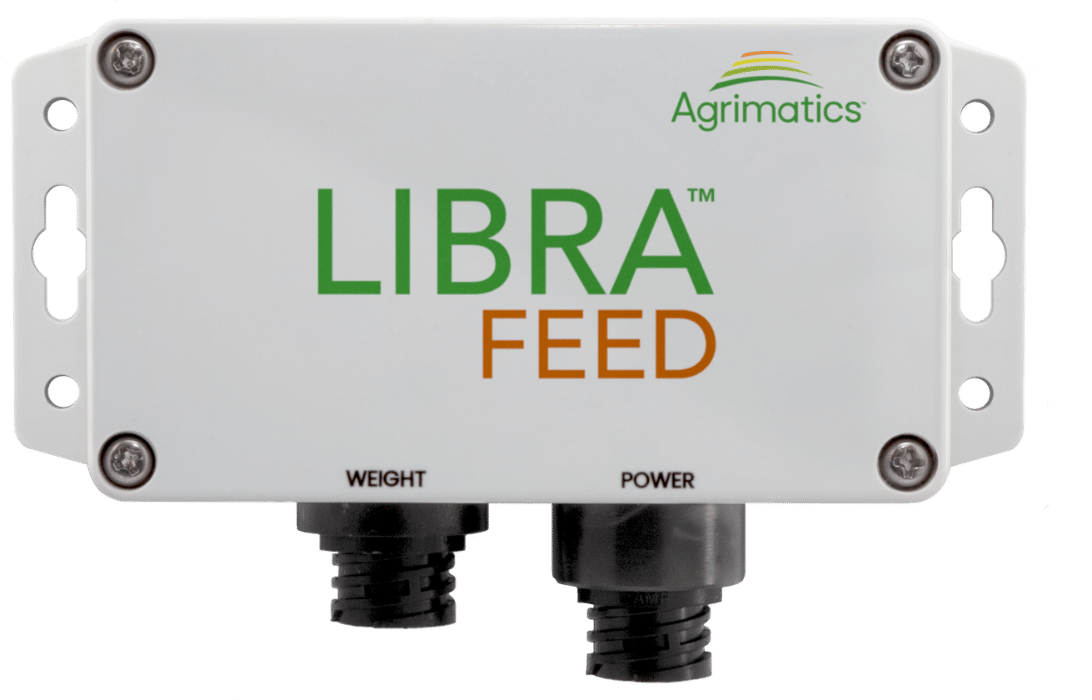
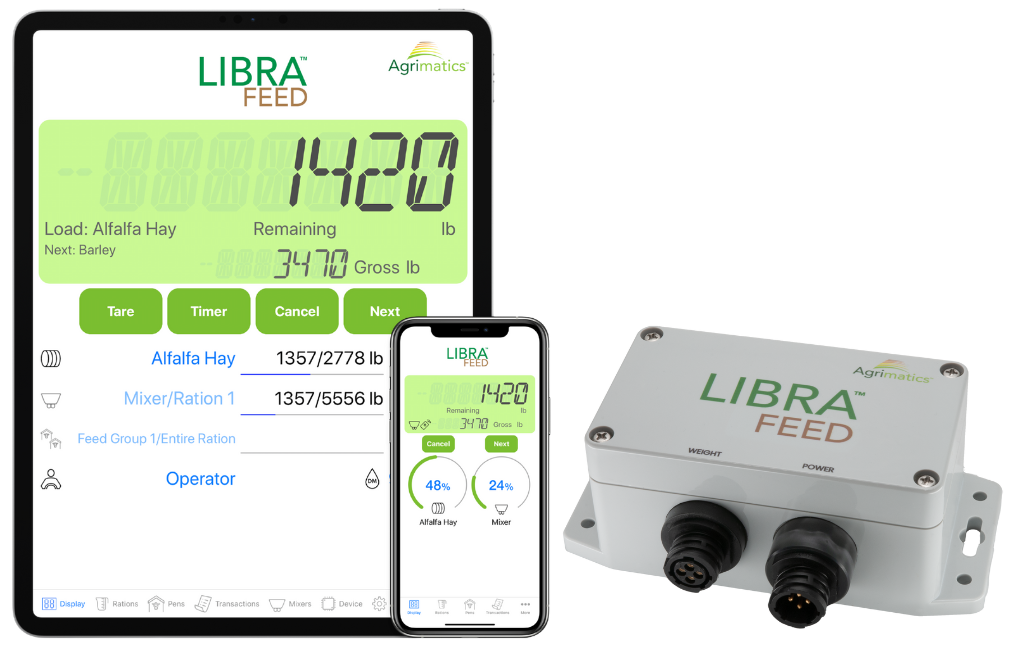
The Libra Feed hardware connects to your feed mixer’s load cells and uses Bluetooth® to wirelessly send data to the Libra Feed app on your smartphone or tablet; eliminating the need for a traditional feed mixer scale indicator in the cab. Simply enter your pens, ingredients, and rations into the app, and the system will guide you on the exact amounts to load into the feed mixer and deliver to each pen.
Scale displays allow you to track real-time mixer weight and ration requirements, so you know exactly what's been mixed and how much to feed out. Preventing over- or underloading ingredients, making sure animals are fed right while reducing waste. Precise records help ensure inventory levels and feeding history can be used for effective planning, bookkeeping, or reporting.
When existing mixer scales are combined with scale management systems, like Libra Feed, it can be a key factor in bringing your operation to the next level. If your equipment needs scales in addition to the Libra Feed hardware, let us know and we'll help point you in the right direction.
The Libra Feed hardware connects to your feed mixer’s load cells and uses Bluetooth® to wirelessly send data to the Libra Feed app on your smartphone or tablet; eliminating the need for a traditional feed mixer scale indicator in the cab. Simply enter your pens, ingredients, and rations into the app, and the system will guide you on the exact amounts to load into the feed mixer and deliver to each pen.
Scale displays allow you to track real-time mixer weight and ration requirements, so you know exactly what's been mixed and how much to feed out. Preventing over- or underloading ingredients, making sure animals are fed right while reducing waste. Precise records help ensure inventory levels and feeding history can be used for effective planning, bookkeeping, or reporting.
When existing mixer scales are combined with scale management systems, like Libra Feed, it can be a key factor in bringing your operation to the next level. If your equipment needs scales in addition to the Libra Feed hardware, let us know and we'll help point you in the right direction.
Libra Feed App
Libra Feed Hardware
Upgrade from Pen and Paper to Smarter Feeding
Libra Feed (formerly Libra TMR) makes it easy to track, adjust, and manage your cattle’s rations and feedings with accuracy and efficiency.
Eliminate Feed Sheets and Scale Heads
No more notepads, feed sheets, or bulky scale equipment. Libra Feed connects directly to your feed mixer’s load cells and shows live data to your phone or tablet; giving you everything you need to load, feed, and view the data in one place.
Use your existing iOS phone or tablet in the feed mixer; optionally, place another in the loader to control loading without slowing down via the app's Remote Display feature.
The Libra Feed app is compatible with
iOS 10+.
Libra Feed is not compatible with Android at this time.
Libra Feed works entirely offline using Bluetooth®, so you can load the feed mixer and feed out to your pens without cellular service or internet access.
Easily create and edit unlimited ingredients, rations, and pens right in the app, or online through the cloud service*.
*Online data editing is available with Pro subscription.
Eliminate Feed Sheets and Scale Heads
Track feeding data for better management
Capture what’s happening at the bunk: how much was fed, what’s left in inventory, and where adjustments are needed, so you can fine tune your operations, support herd health, and make more informed decisions with less guesswork.
Use live weight tracking and step-by-step guidance to consistently hit your target loads and feed goals.
Instantly compare planned versus actual feed delivered for each pen. Review past loads, identify inaccuracies, and track changes over time.
Monitor ingredient levels in real time by setting total inventory amounts and viewing estimated days remaining; so you always know what’s on hand and when it’s time to restock.*
*Available with Pro subscription.
Track feeding data for better management
Collaborate Better With Shared Data
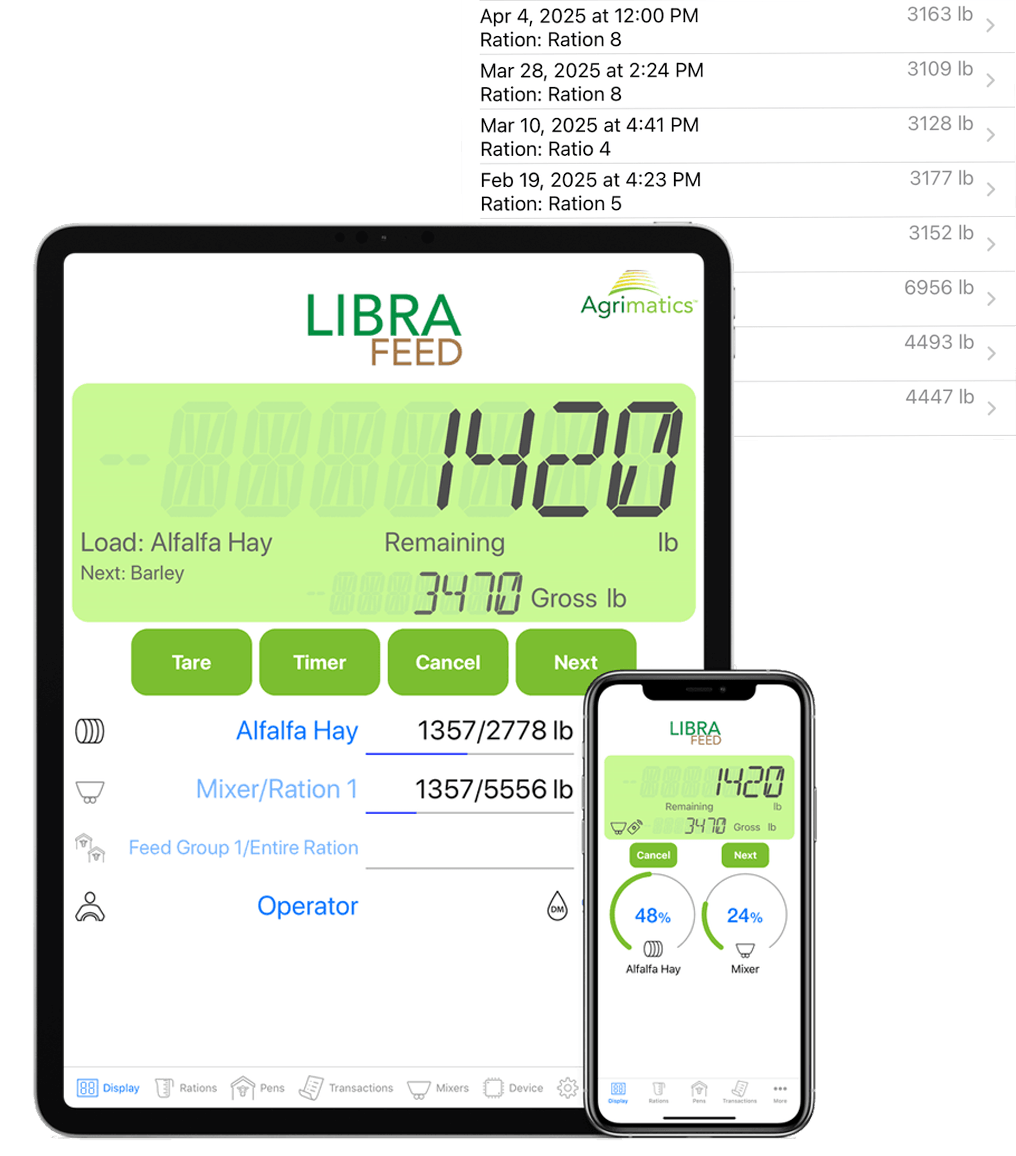
Libra Feed keeps everyone informed and aligned. Ingredient inventory stays up to date, records sync automatically to the cloud, and reports are easy to export and share; making it simple to collaborate with.
Nutritionists and team members can update rations from the web or another device. Changes sync instantly to the app so that rations are always up to date.
Web editing available with a Cloud Pro subscription, internet connection required for real-time syncing.
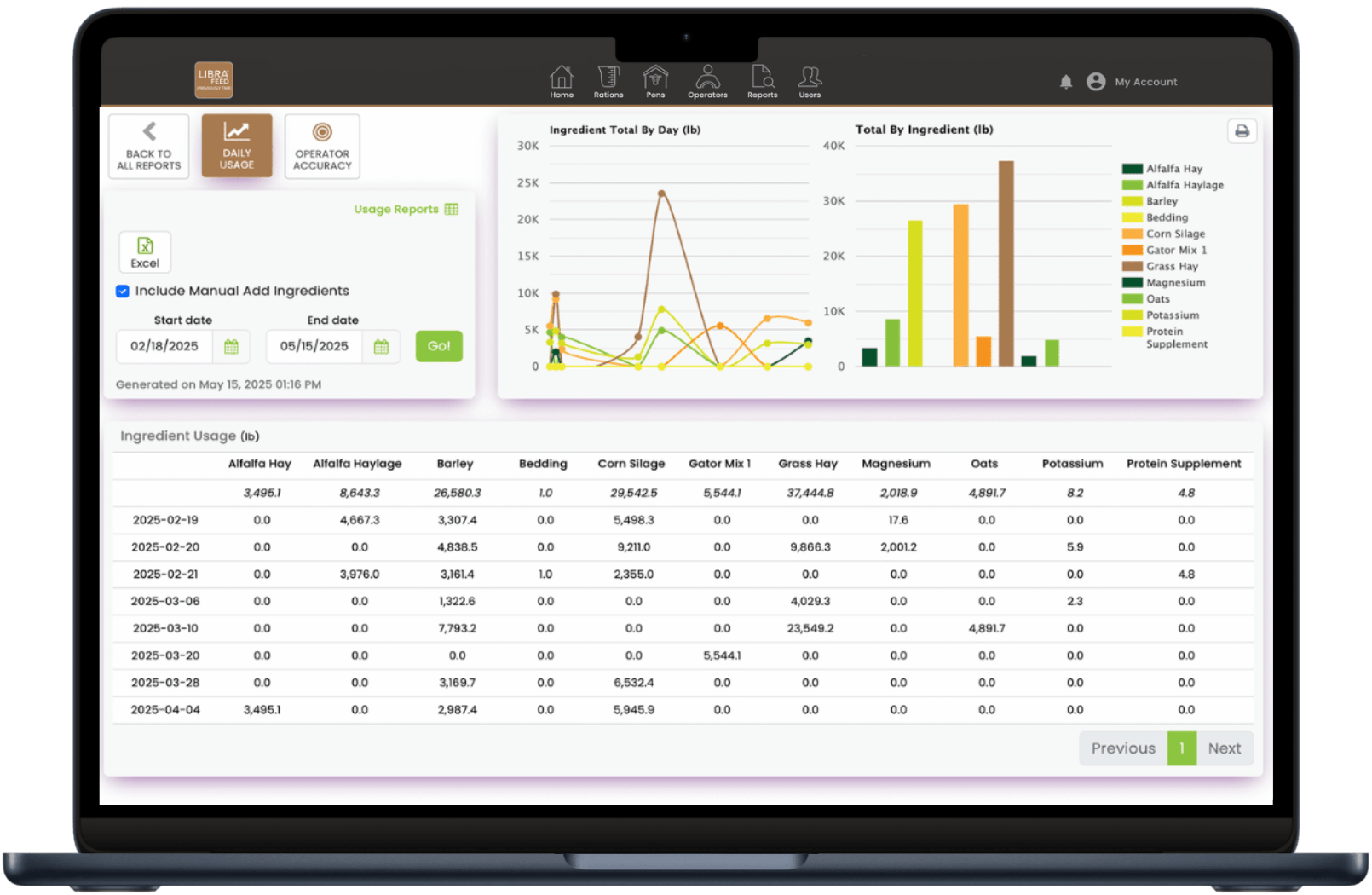
Export ration and pen transaction data directly from the app via email as a .CSV file, and download operator accuracy and ingredient usage reports in either CSV or PDF format.*
*Operator Accuracy and Ingredient Usage reports are available with a Cloud Pro subscription.
Collaborate Better With Shared Data
More Features
Ensure Optimal Mixing
Set per-ingredient and final mix times to improve consistency.
Fix Ingredient Overloads
Automatically adjust the batch size on the fly with the push of a button whenever ingredients are over or under-loaded.
Customize Feedings on the Fly
Adjust the feed intake for any pen before feeding; or use bunk readings or weighback to adjust loads based on refusal so that nothing goes to waste.
Schedule Feedings
Divide rations into multiple feedings per day based on feeding routine.
Feed Dry Matter or As-Fed
Choose to load and feed on a dry-matter or as-fed basis.
Display Weights on an External Scoreboard
Connect Libra Feed to an external scoreboard using the Serial Link module. Choose between showing the total mixer weight or current ingredient countdown improving convenience and visibility while mixing a batch.
Get the App Now and Explore for Free


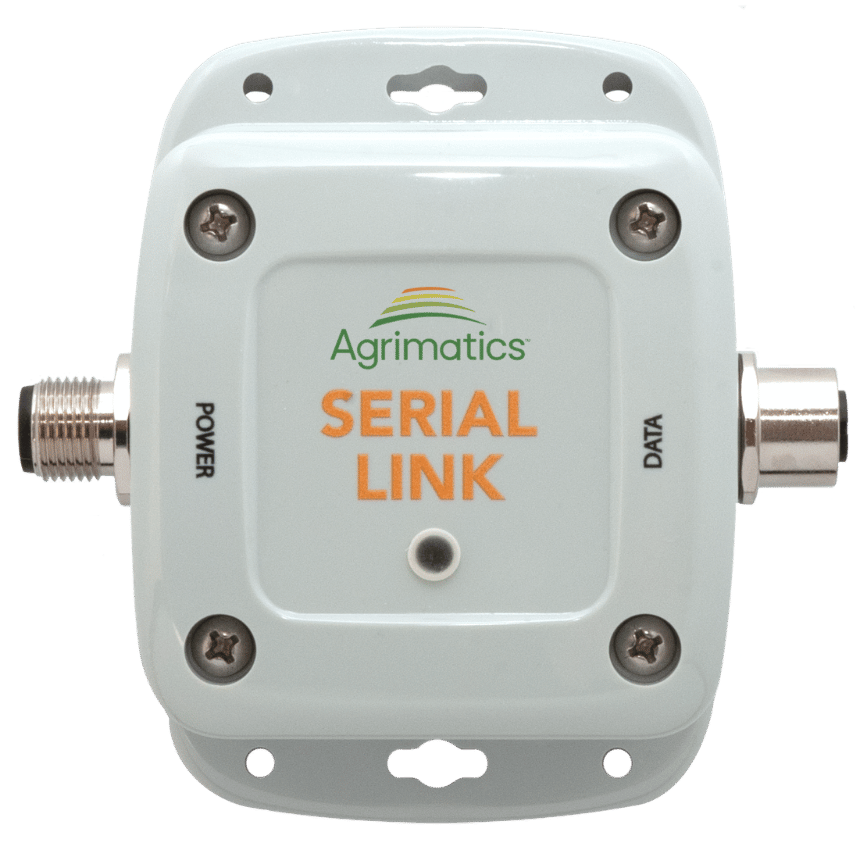
Serial Link is a data interface module compatible with all Libra Feed hardware models. It enables weight display on external LED scoreboards. The system can be set to show the mixer's total weight or a countdown for the current ingredient; improving visibility, accuracy, and overall efficiency while loading the mixer.
Requirements:
- Libra Feed feed mixer scale hardware (all models supported)
- A compatible mobile device running the Libra Feed app
- An external LED scoreboard (compatible with scoreboards with a J905 port/protocol)
- P0060 and P0070 connection cables
Agrimatics Cloud Service
Additional features are available with a Pro subscription.
Protect Your Loading and Feeding Data
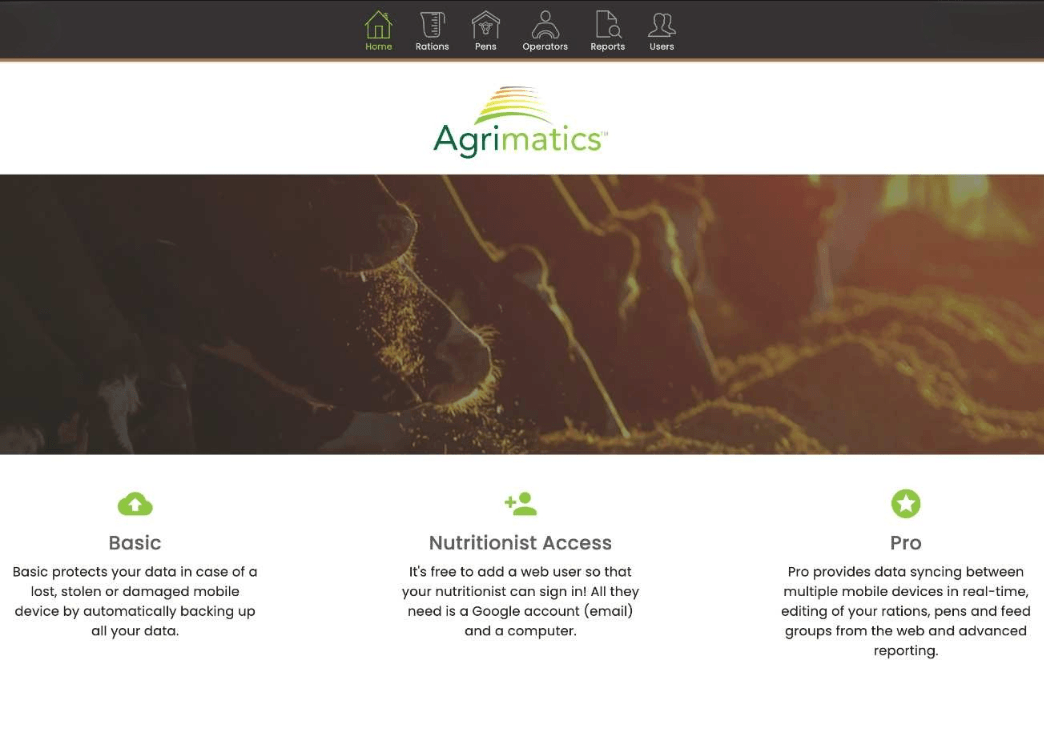
Ensure your is never lost. Our cloud service automatically backs up your feed mixer scale data whenever your mobile device is connected to the internet—protecting it in the event of loss or damage.
Easily access your data anytime through our desktop web app, and share it with others by granting free view-only web access—perfect for collaborating with partners, nutritionists, or advisors.
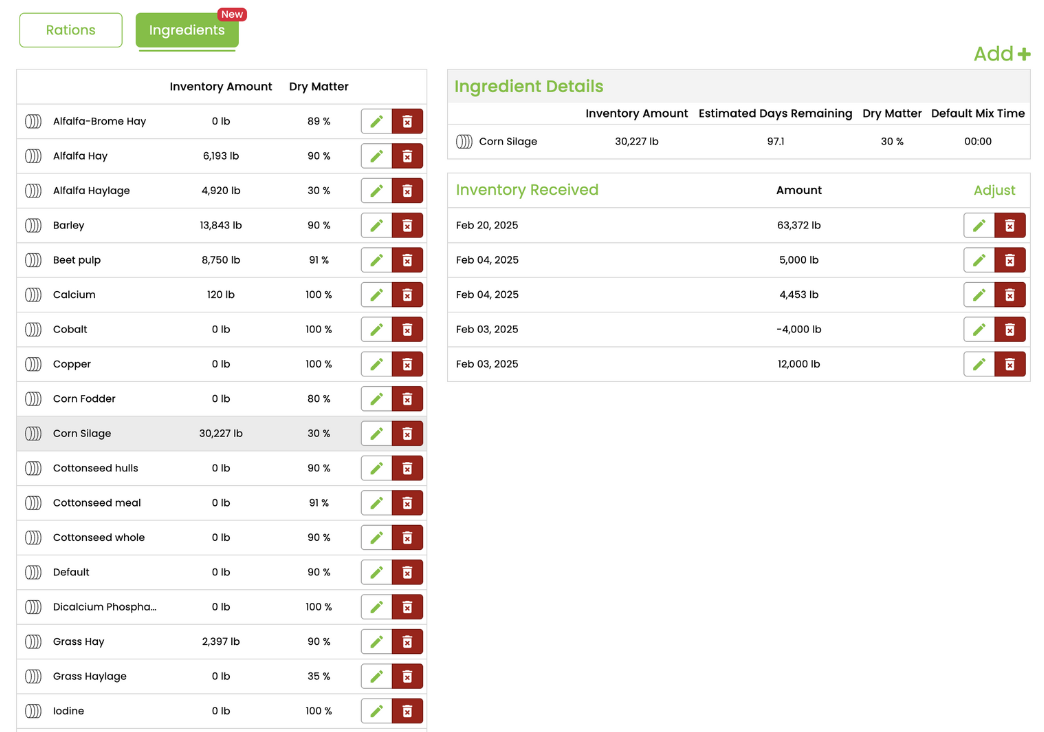
Edit and Manage Data from Your Computer
Manage your feeding operation with ease from your desktop. Add or edit rations, update pens, and adjust ingredient inventory levels—so you’re always ready, and never out of what you need to feed.
Sync Data Across Mobile Devices
Share data seamlessly across multiple iOS devices so every operator can view and edit the same rations, pen information, and feeding history in real time.
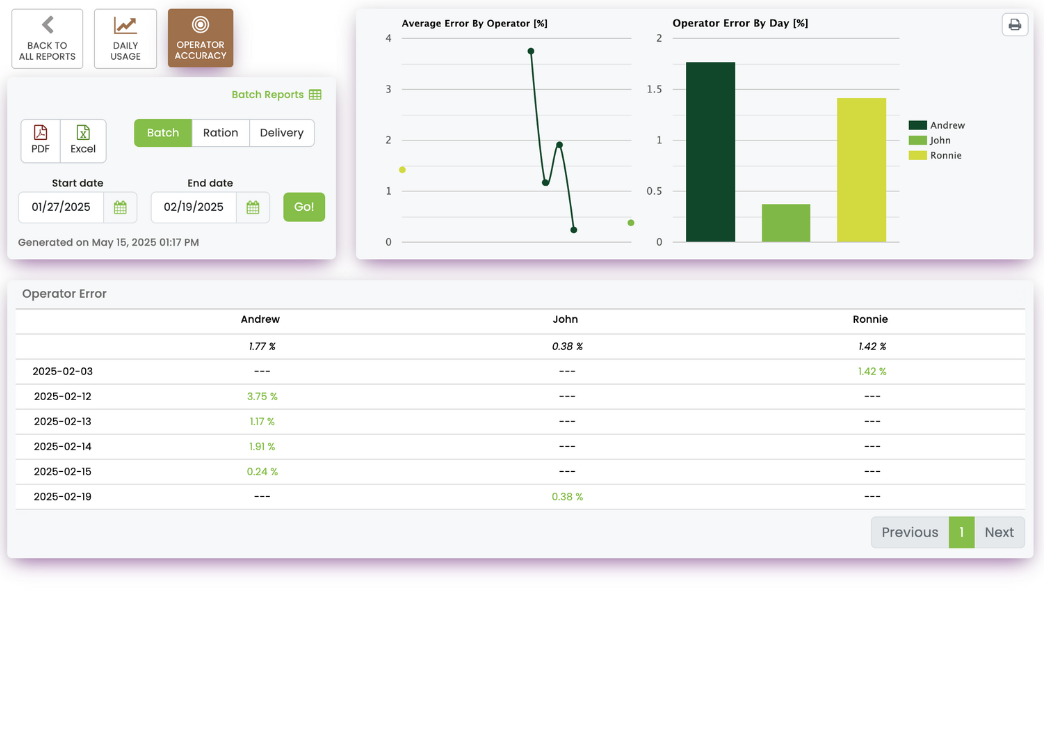
Generate and Download Advanced Reports
Quickly download detailed reports on ingredient usage and operator accuracy. Whether you're tracking consistency, monitoring costs, or preparing for audits.
BasicFree |
Pro$228 USD/year per device |
|
|---|---|---|
| Data Backup | ||
| Web Data Management | ||
| Ingredient Inventory Tracking | ||
| Multi-Device Data Syncing | ||
| Feed Reports | Ration and Pen Transaction Summary CSV reports available via app. |
Gain access to Daily Usage and Operator Accuracy reports in both CSV and PDF formats online. |
Frequently Asked Questions
The Libra Feed hardware will replace any existing scale head; instead using Bluetooth® to send weights to a mobile device running the Libra Feed app. You cannot use the system in conjunction with any existing scale head.
USA: Central City Scale (https://ccscales.com/)
Canada: Triple Star Manufacturing (https://triplestarmfg.ca/)
Australia: Hawk Engineering (http://hawkengineering.com.au/)
Alkaline batteries can be used temporarily, although can cause corrosion damage with extended use. It is recommended to not use an alkaline for more than a few days before replacing with a lithium.
Get Libra Feed for your mixer today!
Not Sure What You Need? We Can Help.
Ensure you have the right parts to get Agrimatics working on your equipment